Java Edition
PC & Mac
- Open Minecraft and click Multiplayer.
- Click Add Server.
- Server address:
- Click Done, then Join Server.
Newest Minecraft version recommended. Recent older versions also work.
 Ruckus
How to join
Free to play. Java on PC or Mac, or Bedrock on Windows, phone or tablet. Everyone shares the same world.
Step by step
Newest Minecraft version recommended. Recent older versions also work.
These Add Server steps are for Windows, phones and tablets. Playing on a console? See the Console card.
Consoles don't have an Add Server button for custom servers. Some families use a workaround, but we haven't tested one, so we can't promise it works.
A phone, tablet or Windows PC with Bedrock can join using the steps for that device.
After you fly in
A welcome menu opens when you land. Missed it? Type /start.
Get a free pack of basic supplies: 16 logs, 32 cobblestone, 8 torches, 8 bread, a chest and a bed. Place your first chest to protect the land around it, then save your home. One pack per player.
Or type /start build
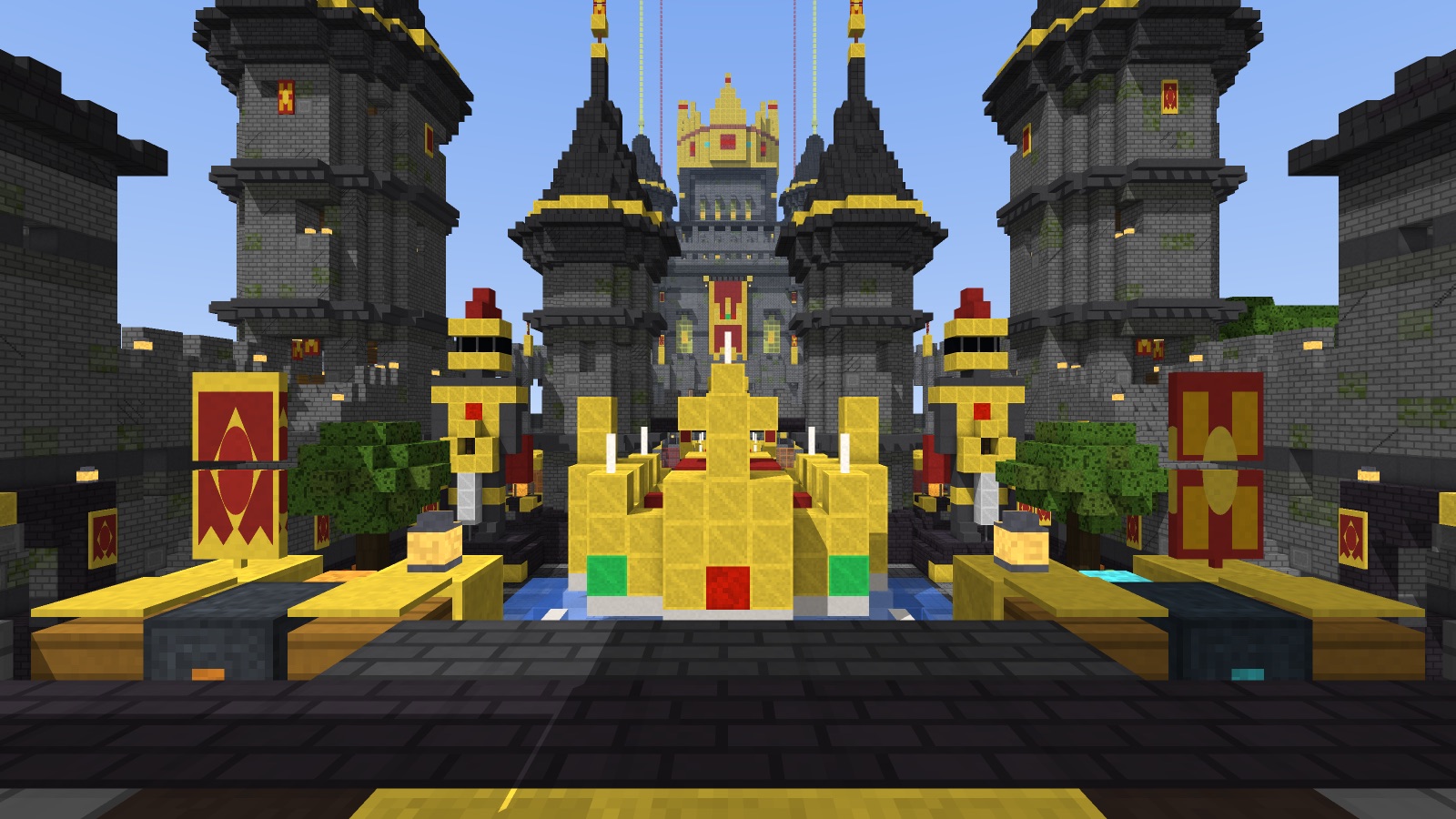
Easy Parkour across castle ruins. If you fall, you go back to your last checkpoint. Take as long as you like.
Or type /start challenge
See who is online and ask to visit. They can say yes or no. Nobody on? Send a friend an invite, or play solo.
Or type /start together
Want more? See everything opens every activity. I'll explore closes the menu, and /start brings it back.
Build a base, explore, or defend the castle together. Copy this message and send it to a friend.
Already playing? Type /invite in-game.